AI Outfit Changer AI Outfit Changer — See a Full Outfit on Yourself
Explore how a photo of yourself and clothing references could become a new outfit preview. Real generation is coming soon.
 Person photoAwaiting result
One photo, another possibility
A different layer. A new point of view.
Start with a photo you love and imagine a new combination. Explore colour and layers while keeping yourself at the centre of the picture.
Original AI-created illustration, shown as a concept rather than a result generated by this site.
Explore the fitting room →BeforeAfter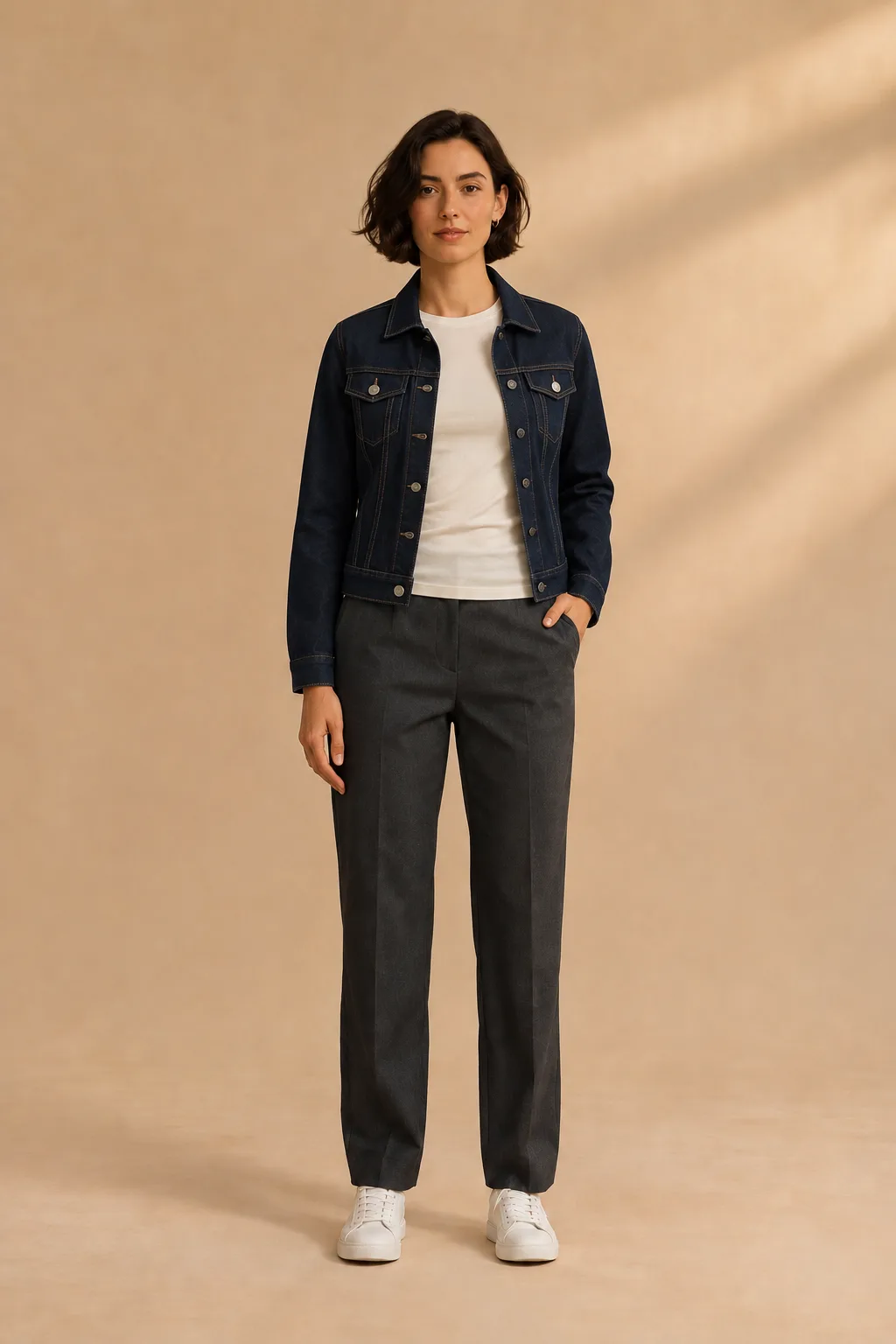
Explore the possibilities
A new way to explore a look
Start with a person photo and clothing references. AI-generated images are visual previews; they cannot confirm sizing, fit or fabric behaviour.
The idea in pictures
A new layer for an everyday look
Move the slider to explore the change, then see the person and clothing reference side by side.
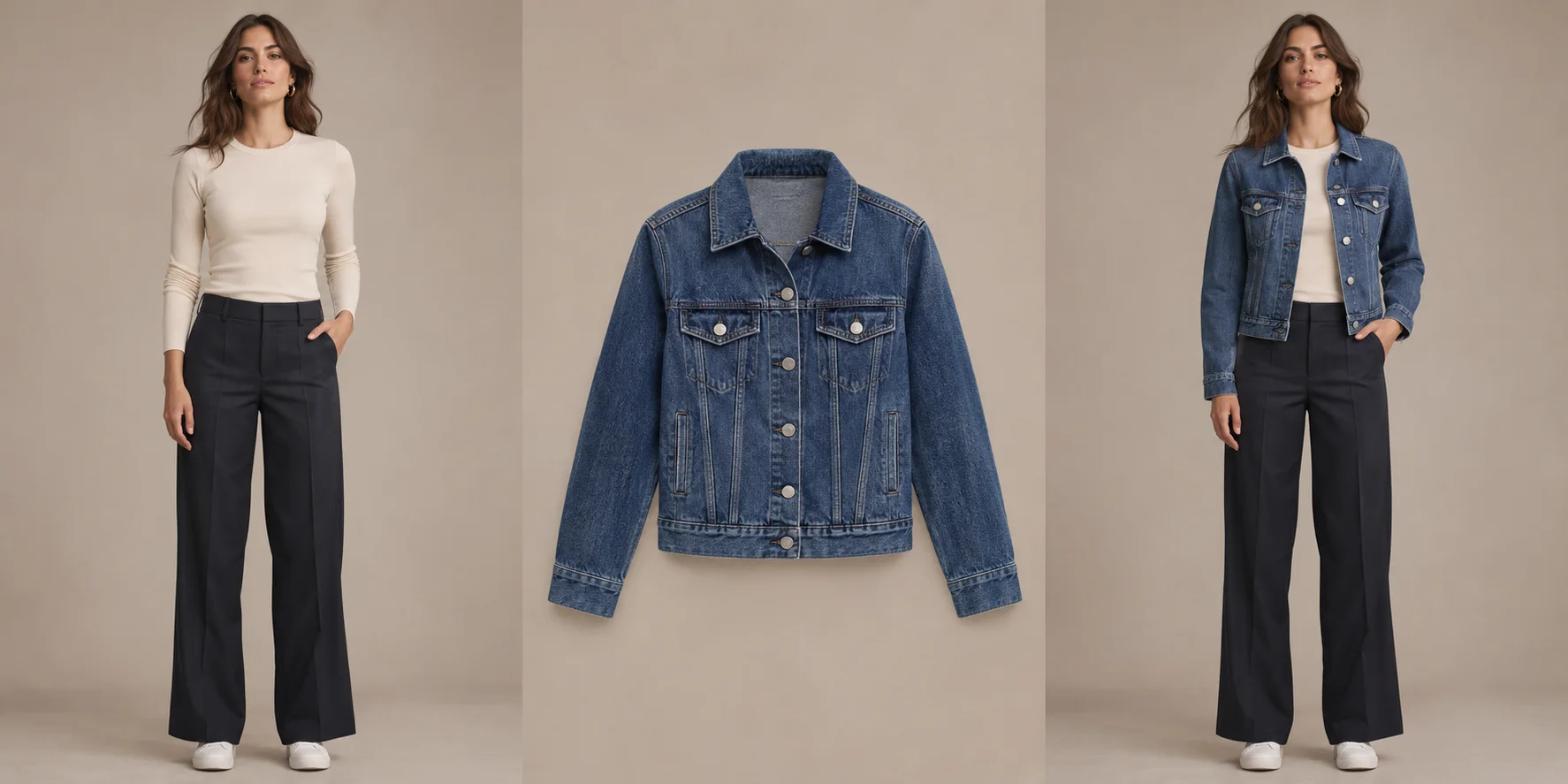
Original AI-created concept illustration, not an output from this site. Results vary and do not indicate size or fit.
A cardigan for a day out
Move the slider to explore the change, then see the person and clothing reference side by side.
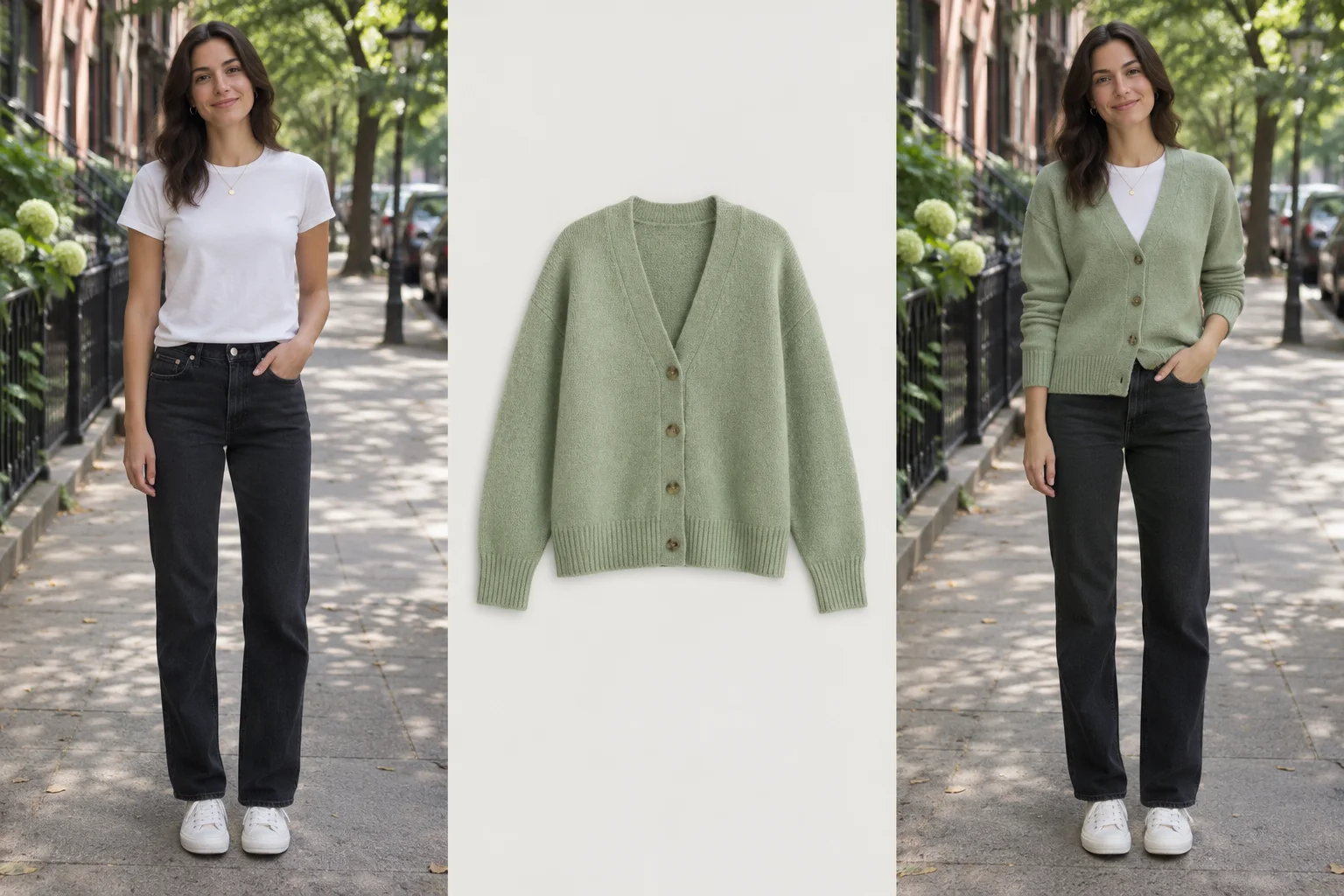
Original AI-created concept illustration, not an output from this site. Results vary and do not indicate size or fit.
A relaxed layer at home
Move the slider to explore the change, then see the person and clothing reference side by side.
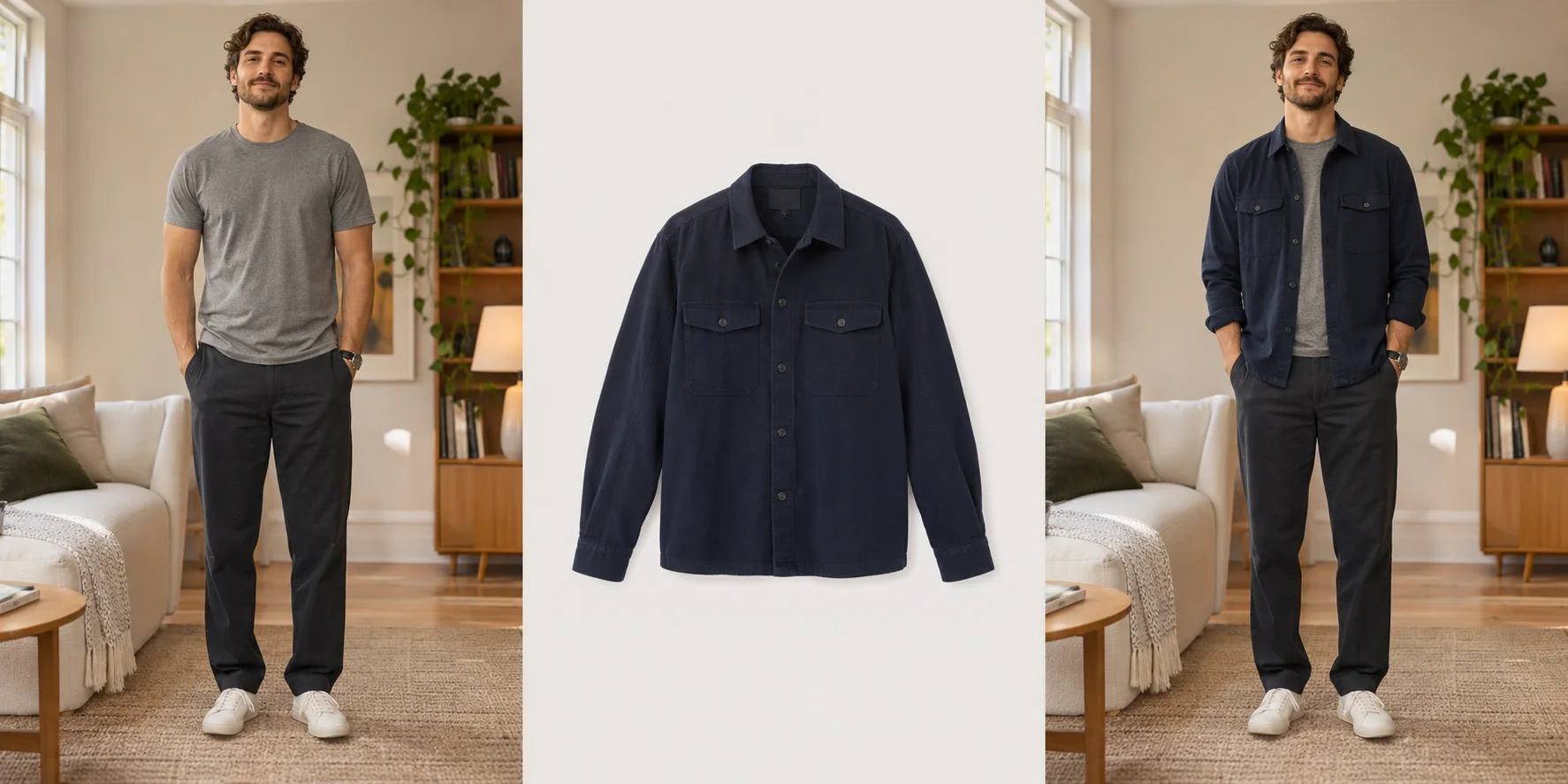
Original AI-created concept illustration, not an output from this site. Results vary and do not indicate size or fit.
Is AI outfit generation available now?
Not yet. The workbench currently offers image selection and local previews; real generation is not open to the public.
How many clothing images can I add?
The workbench accepts up to five clothing references alongside one person photo. You can remove or replace a reference before submitting.
Which image formats and sizes are supported?
Choose JPG, PNG or WebP images up to 2 MB each. The combined upload must not exceed 10 MB.
Can an AI image tell me my size or fit?
No. A generated image would be a visual preview; it cannot confirm measurements, comfort or how fabric behaves. Consult the retailer’s size chart.
What happens when I choose a photo?
Choosing a photo displays a local browser preview. When generation is enabled for an authorized user, submitting sends the selected images to the site; generation is currently unavailable to the public.